

Ginza club queen
Sato Akari
An elegant Tokyo Ginza club character with warm, ritual-rich replies for users who want refined emotional companionship.
Start chat→AI voice guide
A guide to AI voice character experiences: how platforms generate real-time audio for AI companions, what voice options exist, and how LumiChat characters use audio generation in chat.
8 min read
Quick answer
A guide to AI voice character experiences: how platforms generate real-time audio for AI companions, what voice options exist, and how LumiChat characters use audio generation in chat.
Quick start
Ginza club queen
An elegant Tokyo Ginza club character with warm, ritual-rich replies for users who want refined emotional companionship.
Start chat→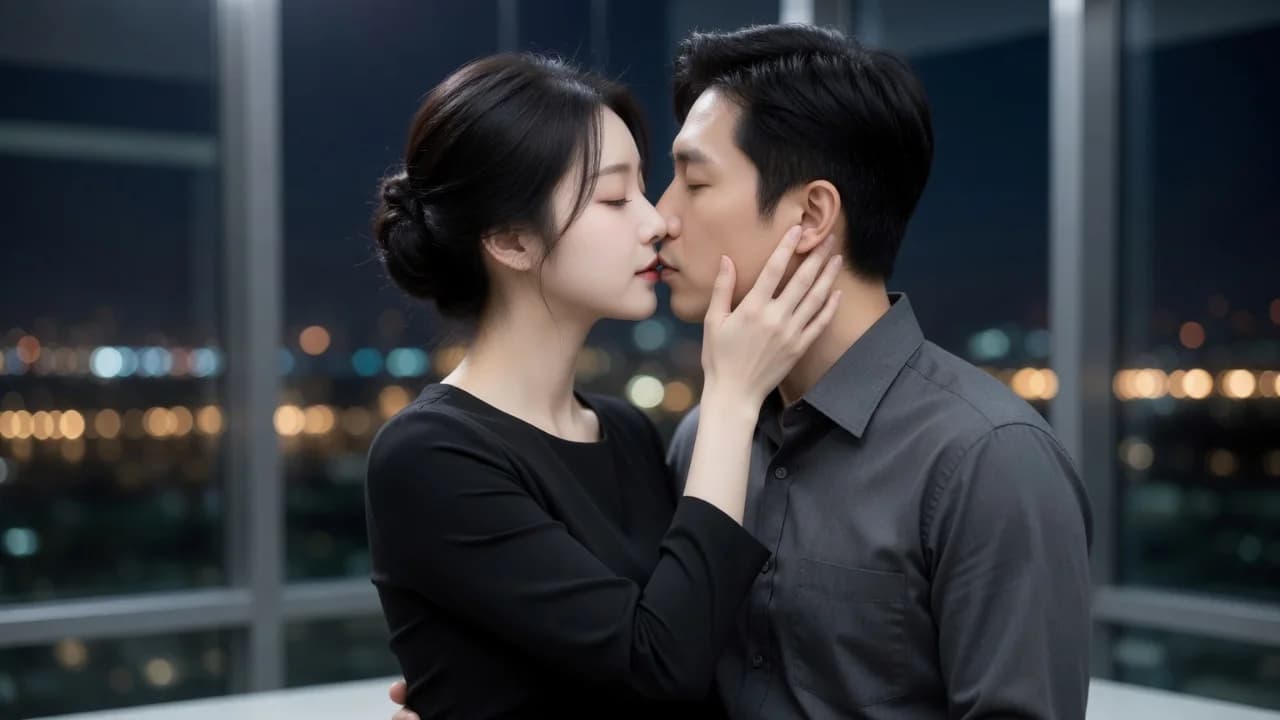


An AI voice character turns a text-based companion into something you can actually hear — a recognizable voice that reads replies aloud, reacts with tone, and makes the conversation feel less like typing into a box and more like talking to someone. If you've used AI voice chat before, you know the difference a good voice makes: pacing, warmth, and personality land in ways plain text never quite reaches. This guide explains how real-time AI audio works under the hood, what AI companion voice options usually exist, and specifically how LumiChat handles audio generation inside character chat.
A voice character is a chat persona with a consistent vocal identity layered on top of its written personality. The text model decides what to say; a separate text-to-speech (TTS) stage decides how it sounds. The two have to agree — a shy librarian character should not be voiced like a hype announcer. On LumiChat, voice is treated as one expression of the same character you already browse on a card, not a bolted-on gimmick. The persona, memory, and tone you build in text carry into how the audio is generated.
The key mental model: character AI audio generation is a pipeline, not a single button. Your message goes to the language model, the reply text comes back, and that text is handed to a voice engine that synthesizes audio matched to the character's profile.
Most platforms, LumiChat included, follow a recognizable flow for real-time AI audio:
LumiChat pushes generated media through its chat connection rather than asking you to poll a separate endpoint, so voice clips simply arrive in the message stream the way a reply text would. That design keeps the experience continuous — you stay in the conversation instead of waiting on a loading screen.
Good voice systems give you more than a single robotic default. Common levers include voice selection (different timbres per character), language and accent, speaking rate, and emotional tone. Some characters fit a bright, fast cadence; others a calm, low one. The art is matching the voice to the written persona so the LumiChat voice experience feels coherent rather than uncanny.
| Aspect | Text-only chat | AI voice character |
|---|---|---|
| Emotional cues | Punctuation, emoji | Tone, pacing, warmth |
| Speed to read | Instant scan | Real-time playback |
| Accessibility | Needs reading | Hands-free, eyes-free friendly |
| Cost per turn | Lowest | Slightly higher (audio generation) |
| Best for | Quick exchanges | Immersive, relaxed sessions |
LumiChat keeps voice consistent with its character-first design. You discover a persona on a card under characters, start a chat, and audio generation happens inside that same session — no separate "voice mode" app to learn. Because media is pushed over the live chat channel, a generated clip appears in context, attached to the reply it belongs to. Continuity matters here: the character remembers earlier turns, so the voiced replies stay in character across a long session rather than resetting each time.
Audio generation consumes a bit more than plain text, which is why richer media is tied to the credits and membership system rather than being unmetered. You can see how that works on the pricing page. There's a free tier to try the experience, and paid options unlock heavier use. For the broader picture of how immersive sessions are built, the AI roleplay guide and the AI companion chat guide both pair well with voice features.
Voice can feel more intimate than text, which makes privacy expectations higher. LumiChat publishes a clear privacy policy covering how conversation and media data are handled. Mature or adult-adjacent character interactions are gated to 18+ and kept within platform rules; voice does not change those boundaries. If a feature involves more sensitive content, treat the audio the same way you'd treat any private conversation — check the settings and the policy before assuming a clip is ephemeral.
No. You can type your messages and still receive voiced replies. Speaking is optional and uses speech-to-text when you choose it.
Yes — each character is assigned a consistent voice so its identity stays recognizable across sessions, matching the persona you see on its card.
The reply text is generated first, then synthesized into audio. Streaming starts playback early to keep latency low, but a brief moment of processing is normal.
Usually a little, because audio generation is heavier than text. LumiChat ties richer media to its credits and membership tiers; see the pricing page for specifics.
Where voice options are exposed, you can adjust things like voice selection, rate, or tone. Availability depends on the character and your plan.
Conversation and media handling are described in the privacy policy. Treat voice clips as private conversation data and review the policy for retention details.

Continue in LumiChat
Browse active characters, choose a personality that fits, and start chatting in seconds.
Character AI voice guide
Character AI Voice and Character Calls are related but not identical: one reads a character reply aloud, while the other supports a two-way spoken conversation.
AI character chatbot guide
An AI chatbot with a defined character responds differently than a general assistant. It has a voice, a perspective, and a way of engaging that stays consistent across the conversation.
AI image chat guide
A practical guide to keeping character, scene and relationship coherent when images are generated inside an AI chat.
AI companion guide
Chatting with an AI companion gets better when you know how to open scenes, guide the tone, and keep the conversation moving — not just which companion to pick.